




I. System Functions and Architecture
1. system function
The transformer intelligent operation and maintenance system judges the operation status and fault warning of the transformer by monitoring the transformer three-phase winding and core temperature, transformer environment temperature and humidity, and transformer vibration. Intelligent monitoring system in the local setup operation display terminal, using modbus RTU through the shielded cable access intelligent monitoring background system.
The PHM online monitoring system consists of the following components:
1.1 transformerstempmonitors
An independent dry transformer thermostat is used to monitor the temperature of the transformer's three-phase windings and iron core. The temperature controller communicates with the PHM online monitoring terminal through RJ45 and RS485 communication. Real-time transmission of three-phase winding and core temperature and alarm status signal.
1.2 Transformer electrical parameter monitoring
Monitoring of electrical parameters on the low voltage side of the transformer to assist in analyzing the operational health and life of the transformer.
1.3 Transformer temperature and humidity monitoring
Real-time monitoring of the operating environment temperature and humidity of the transformer to assist in analyzing the transformer operating health status.
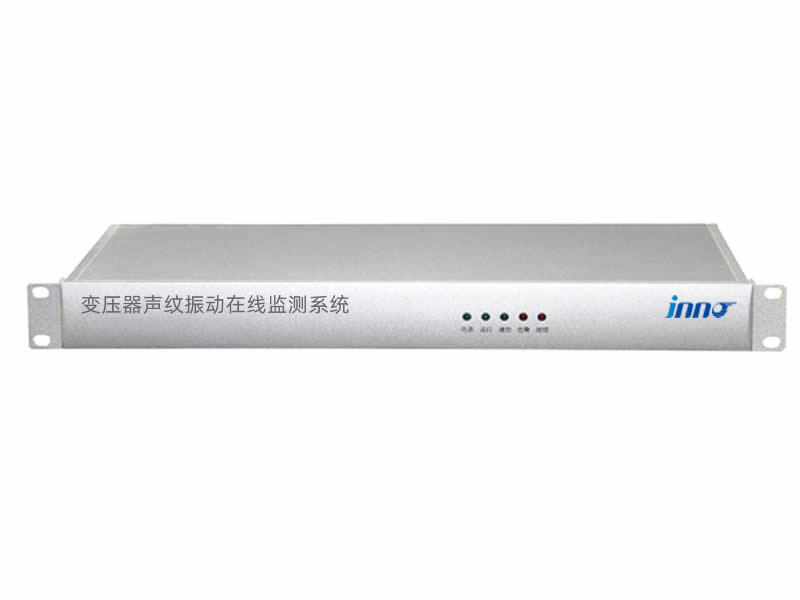
1.4 Transformer vibration monitoring
Real-time monitoring of the vibration of the transformer during operation, to assist in analyzing the health status of transformer operation.
2. System Architecture Diagram
Intelligent operation and maintenance measurement and control device communication interface is RS485 interface, using MODBUS RTU protocol, the interface communication protocol supports standard, universal, open, software decoding protocol, the specific network architecture is as follows:

Second, man-machine control interface (part of the display, contact Inotera for detailed information)
Home
After the device is powered on, it will enter the home page, or click the “Home” function button to enter the home page, which can view the transformer's winding temperature, core temperature, operating environment temperature and humidity, vibration, voltage and current of the low voltage side and other data information and various alarm status. When an alarm occurs, the corresponding alarm indicator lights up in red and the sound and light alarm sounds to prompt the user, and the sound and light alarm can be eliminated by clicking the display area or pressing the button.

Electrical parameter function interface
Click the “Electricity Parameter” function button to enter the electricity parameter function interface, this function interface can view the transformer's power loss and consumption, the transformer's expected service life and the transformer's annual maximum load utilization hours and other data information.